Before / after
Processing result
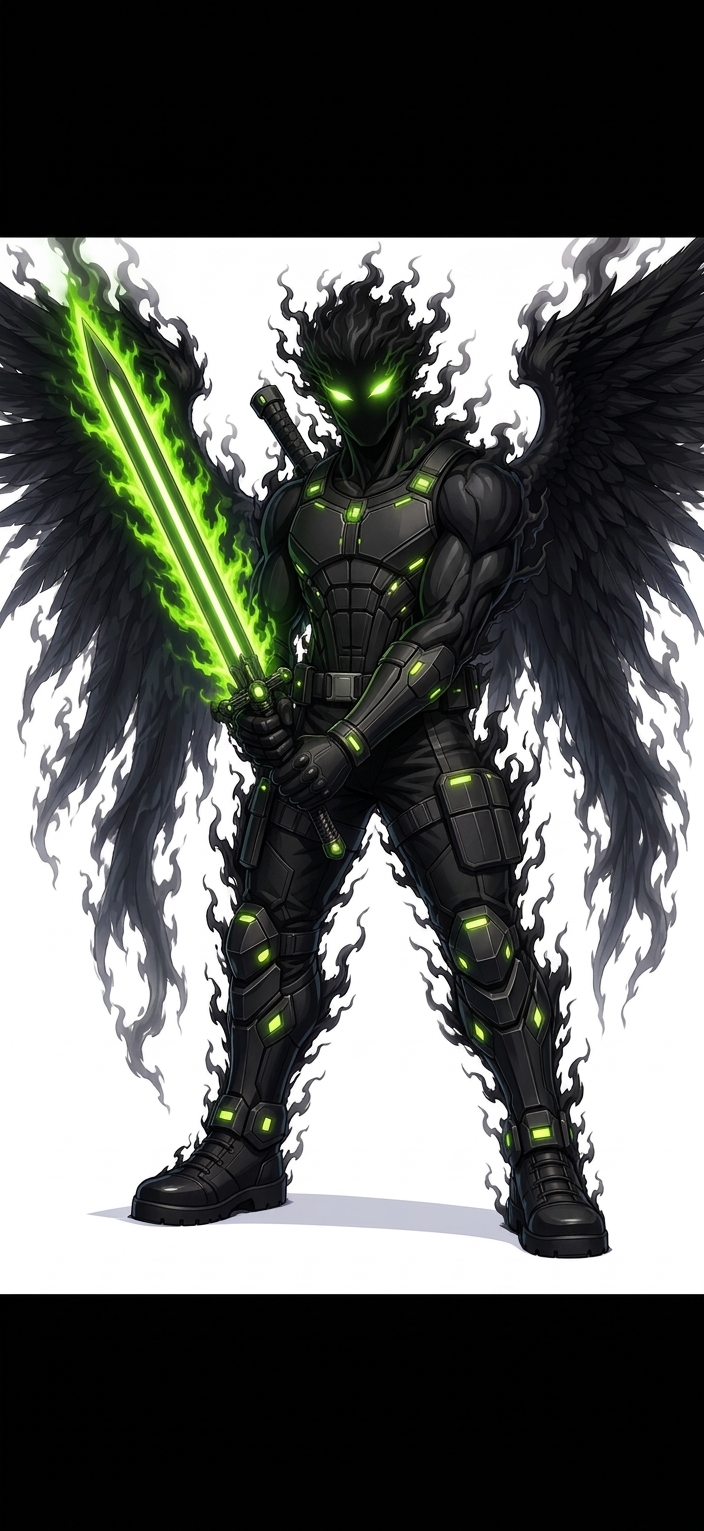
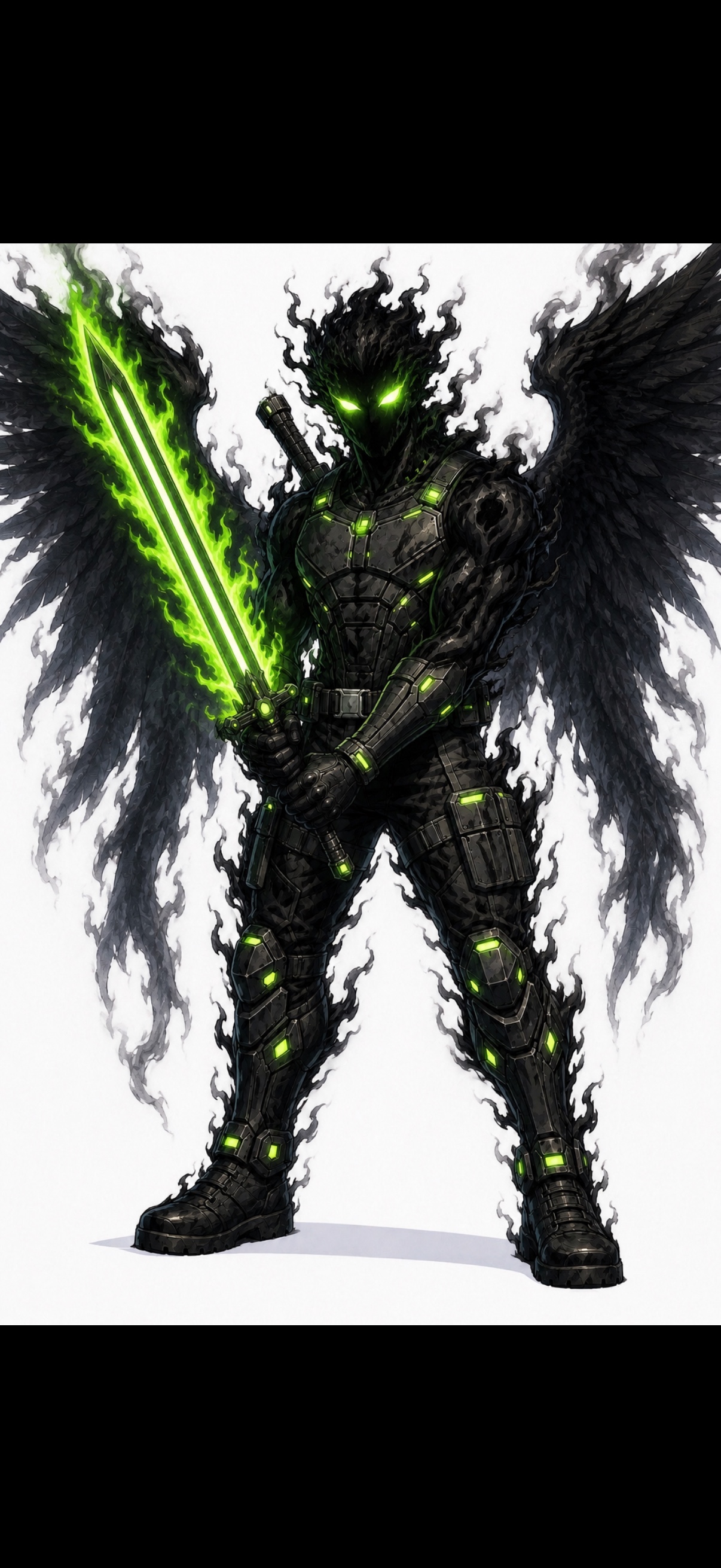
You do not always need to regenerate an AI image. If the composition is right but the texture is wrong, clean it up. denoise.pro removes visible generated-image grime, speckles, and crunchy texture while keeping the original scene intact.
Clean up when the pose, composition, lighting, and style are good, but surface texture contains visible artifacts.
Generated product images, AI illustrations, social posts, thumbnails, mockups, profile images, and portfolio visuals can all suffer from artifact texture.
Use the cleanest export available, avoid repeated compression, and check smooth surfaces at full size before publishing.
Cleanup is not a replacement for fixing broken anatomy, unreadable text, wrong objects, or a bad prompt.
We will load it into the main denoise.pro workspace, ask you to sign in, then start the cleanup from the same image.
When the image composition, pose, lighting, and style are good, but the surface texture contains artifacts.
Yes, especially for speckles, dirty backgrounds, false grain, and over-sharpened generated detail.
Yes, but results vary by style and artifact severity.