Before / after
Processing result


See how denoise.pro cleans visible AI-generated image artifacts while preserving the original image composition and style. These examples show grime, speckles, tiling texture, and crunchy detail cleanup.

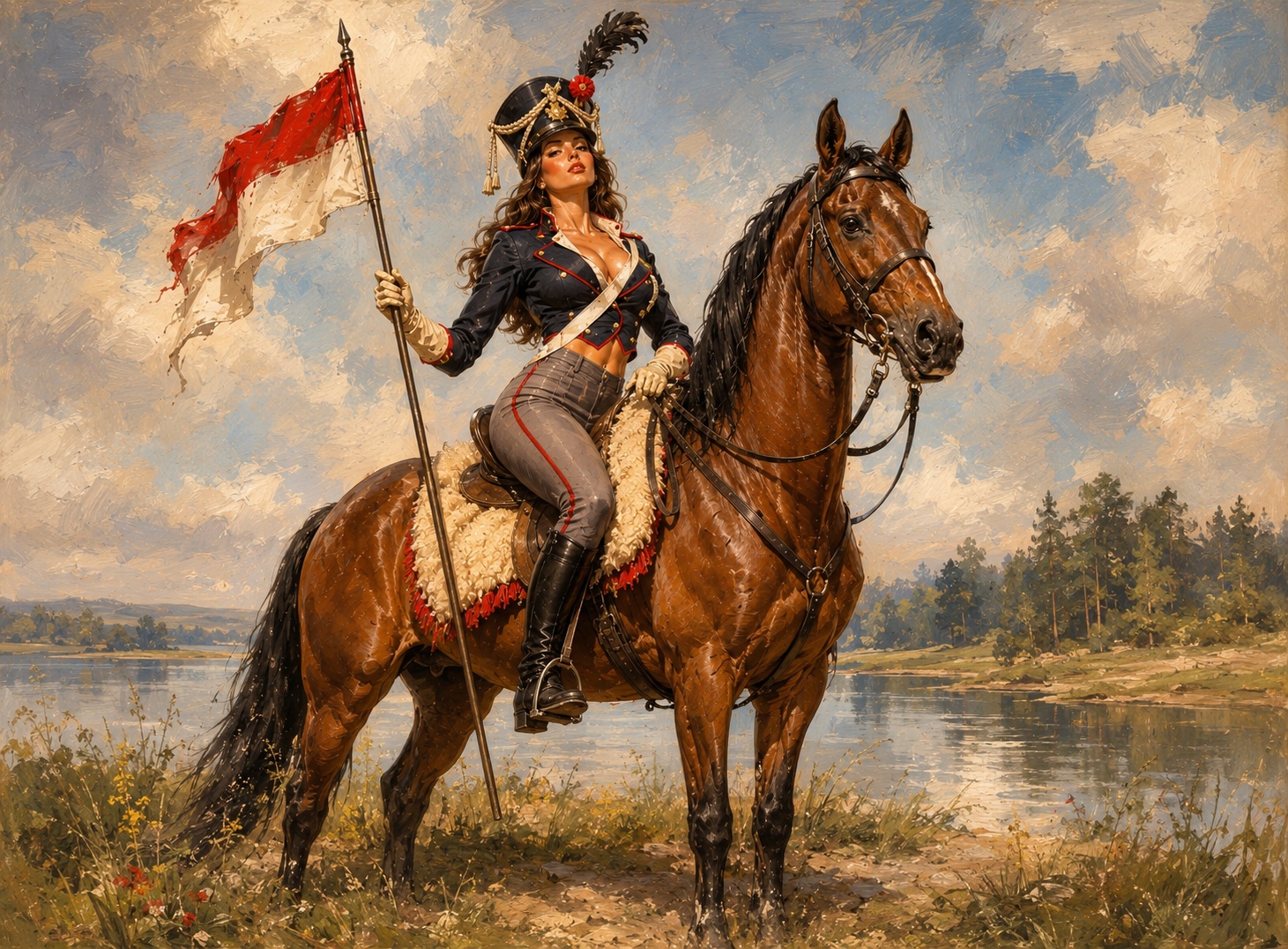
Compare the dirty generated texture in the before image against the cleaner surface detail after denoise.pro cleanup.
Look closely at flat backgrounds, shadows, skin, and fabric where small white speckles and false grain are easiest to see.
Repeated generated texture can be reduced while preserving the main composition and original style.
Examples are representative. Severe artifacts, broken text, bad anatomy, or wrong image content may still need regeneration or manual editing.
We will load it into the main denoise.pro workspace, ask you to sign in, then start the cleanup from the same image.
Use these as representative denoise.pro cleanup examples; results vary by image.
Look at smooth backgrounds, skin, fabric, shadows, and high-detail areas where AI artifacts are most visible.
You can contact denoise.pro with before/after examples if you want to share a result.