Before / after
Processing result
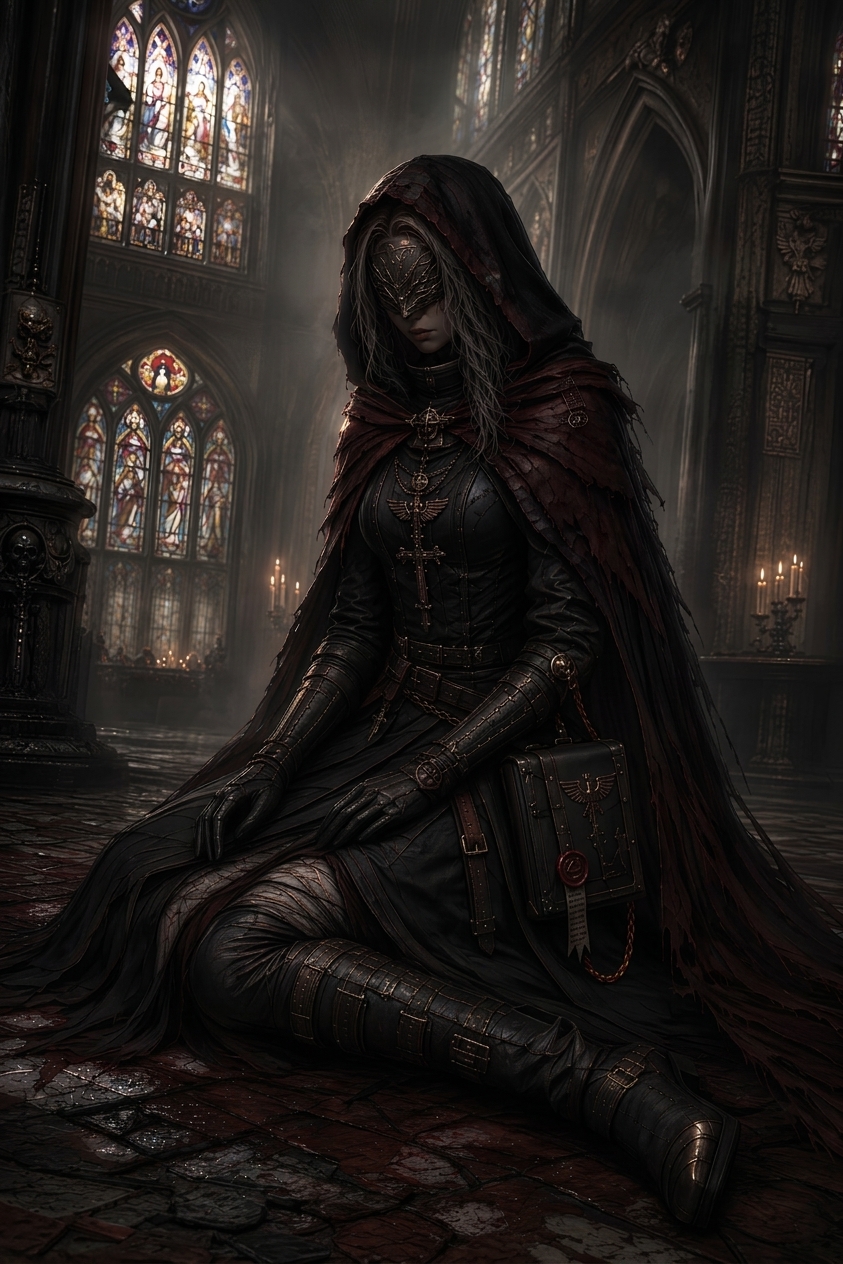
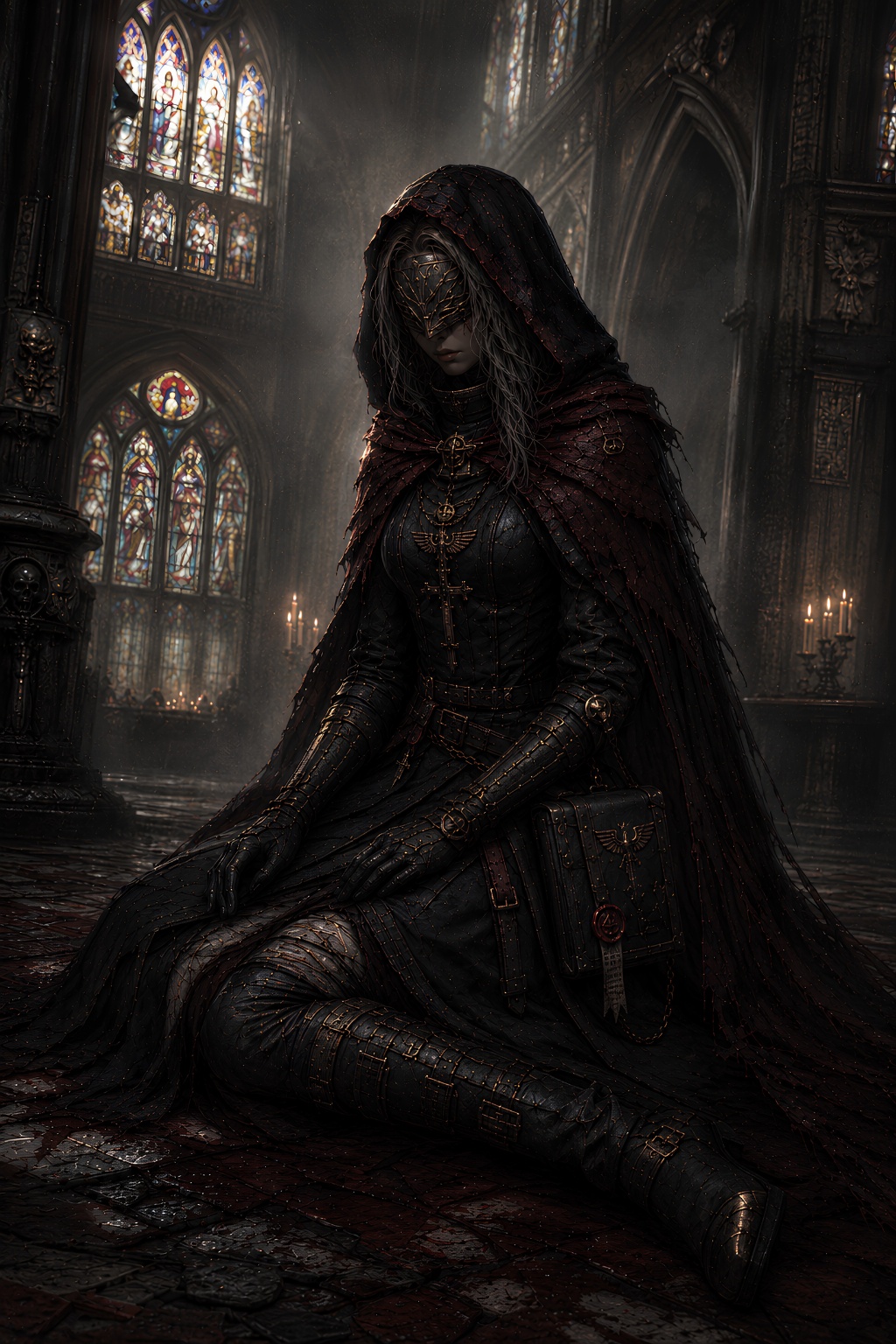
JPEG compression can leave blocky edges, banding, halos, and crunchy texture. AI-generated images can also pick up compression-like artifacts after export or resizing.
JPEG artifacts include blockiness, banding, mosquito noise around edges, rough gradients, and smeared texture.
JPEG artifacts come from compression. AI artifacts come from synthesized texture. Some images have both.
Use PNG or high-quality WebP when possible for final exports, especially after cleanup.
Use it for compressed AI images, resized exports, thumbnails, and visuals with blocky or compression-like texture.
We will load it into the main denoise.pro workspace, ask you to sign in, then start the cleanup from the same image.
JPEG artifacts are visible compression flaws such as blockiness, color banding, blurred edges, and rough texture.
No. It can target compressed real images and AI-generated images that have compression-like texture.
Use PNG or high-quality WebP when possible for final exports, especially after cleanup.