Before / after
Processing result
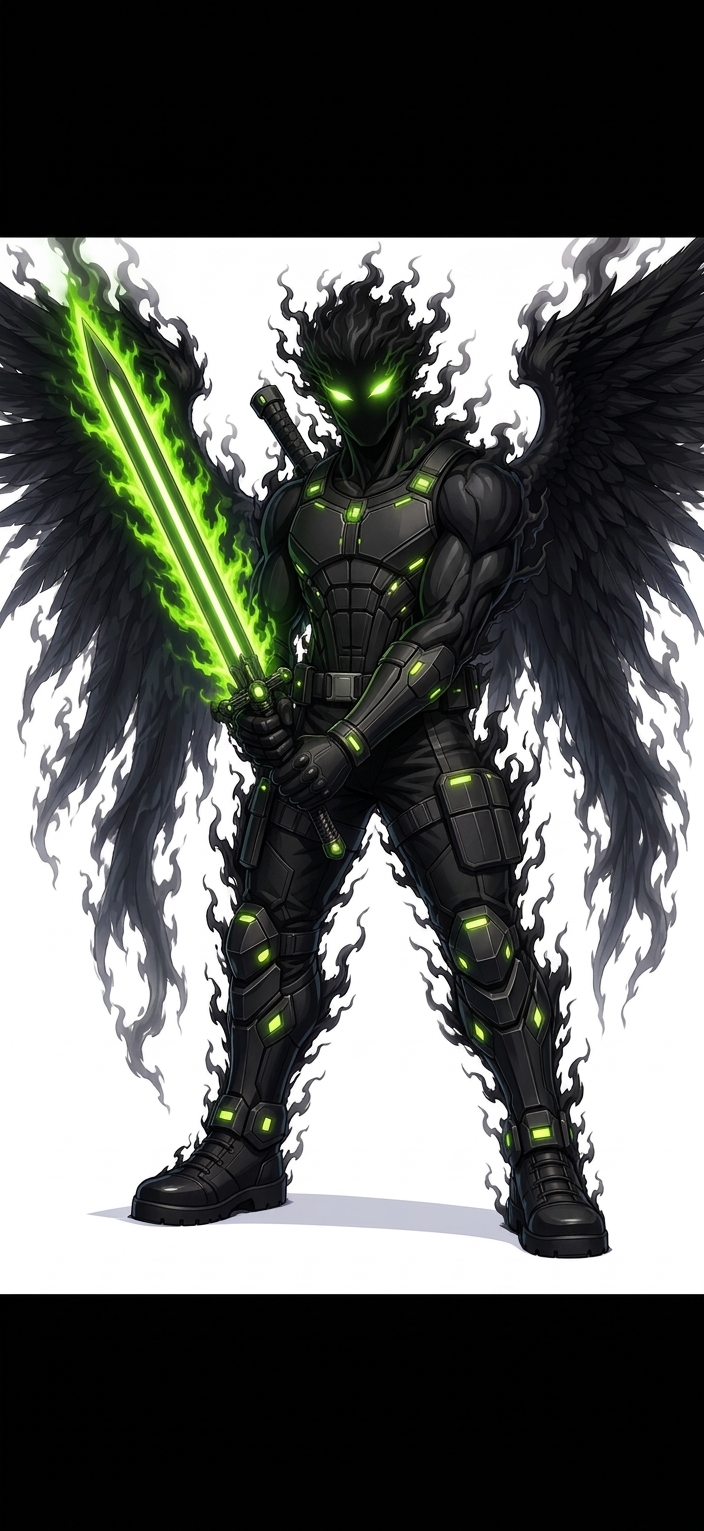
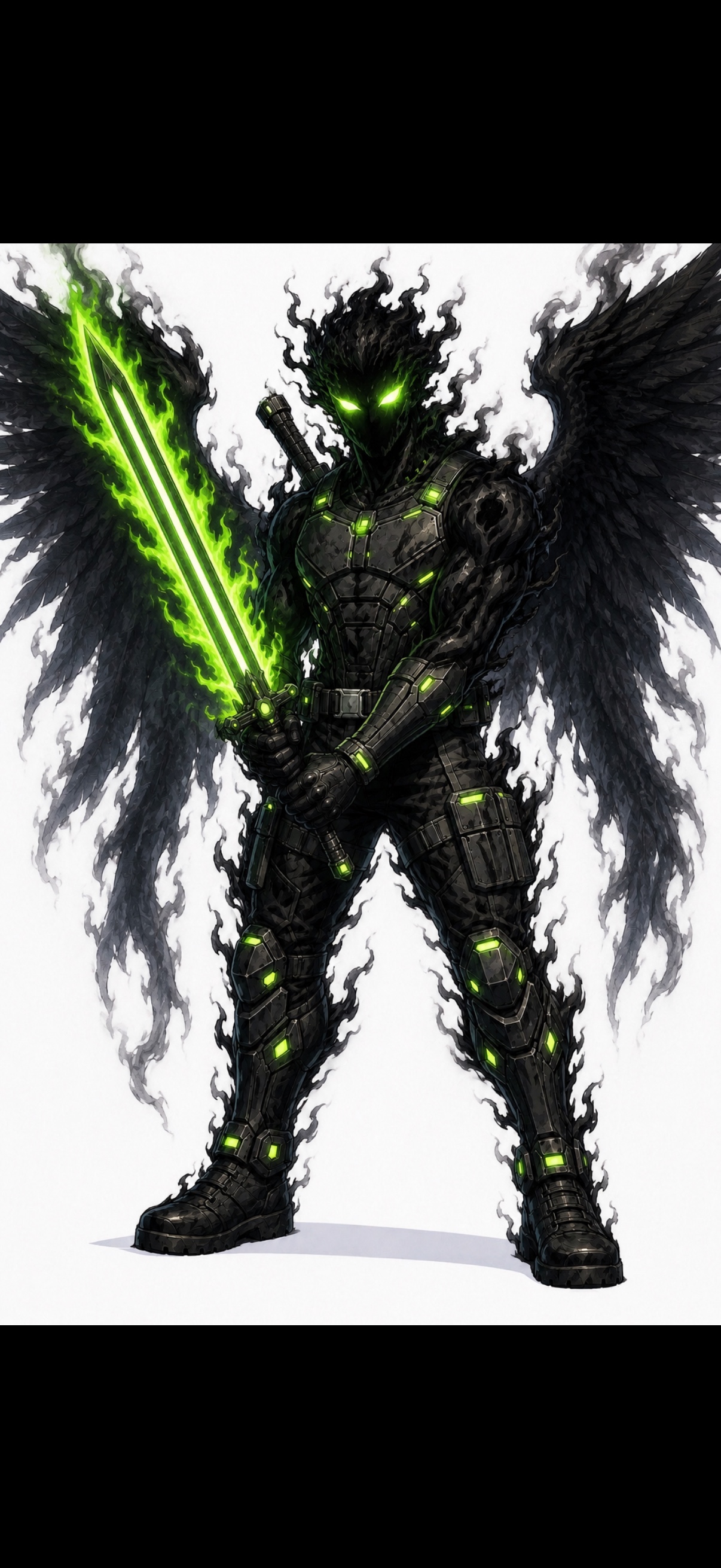
Traditional photo denoisers are built for camera noise. AI-generated images often have a different problem: synthetic grain, grime, speckles, tiled texture, and over-rendered detail.
Photo noise often comes from low light or sensor limits. AI noise is synthesized detail that looks gritty, dirty, tiled, or over-sharpened.
Speckles, false grain, texture overlays, crunchy edges, muddy shadows, and repeated details are common AI denoising targets.
The tool is strongest on generated images where the composition is good and the visible noise layer is the main problem.
Generic denoisers can blur the image. denoise.pro is positioned around generated-image artifact cleanup and style preservation.
We will load it into the main denoise.pro workspace, ask you to sign in, then start the cleanup from the same image.
You can, but the strongest positioning is AI-generated image cleanup.
The goal is artifact reduction and style preservation, not impossible perfect restoration.
No. Clean first, then upscale later if you need a larger image.