Before / after
Processing result


Some GPT Image 2 outputs include a visible grime layer: tiny speckles, tiled texture, muddy surfaces, dirty overlays, and crunchy generated detail. denoise.pro is built for this exact problem.

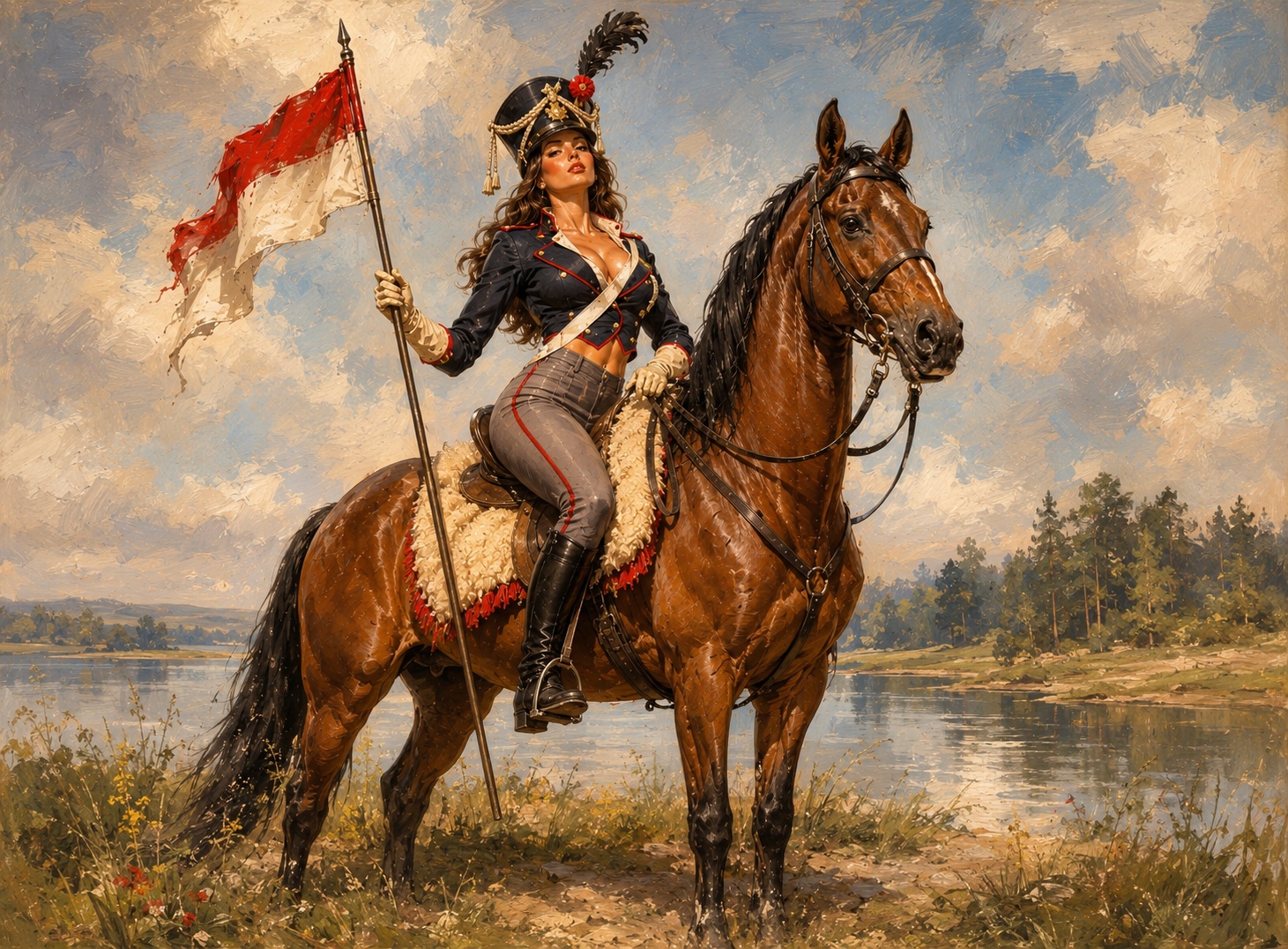
It often appears as dust, salt-and-pepper speckles, repeated texture, dirty overlays, false grain, or rough detail on areas that should be smooth.
White-dot speckles, tiling, dirty overlays, crunchy edges, muddy shadows, and over-rendered surfaces are the core symptoms this page targets.
A cleaner prompt can help future generations, but once you have a strong composition, cleanup can be more predictable than repeatedly regenerating the whole image.
Start with the highest-quality export you have. Avoid repeatedly compressing the image before cleanup.
We will load it into the main denoise.pro workspace, ask you to sign in, then start the cleanup from the same image.
A visible dirty or speckled texture layer that can appear across generated images, especially in skies, skin, fabric, backgrounds, and smooth surfaces.
Not exactly. JPEG compression creates blockiness and banding; GPT Image 2 grime can look like synthesized speckles, tiling, false grain, or over-rendered detail.
It is best for visible texture artifacts. It will not fully fix broken anatomy, unreadable text, or fundamentally incorrect image content.