Before / after
Processing result
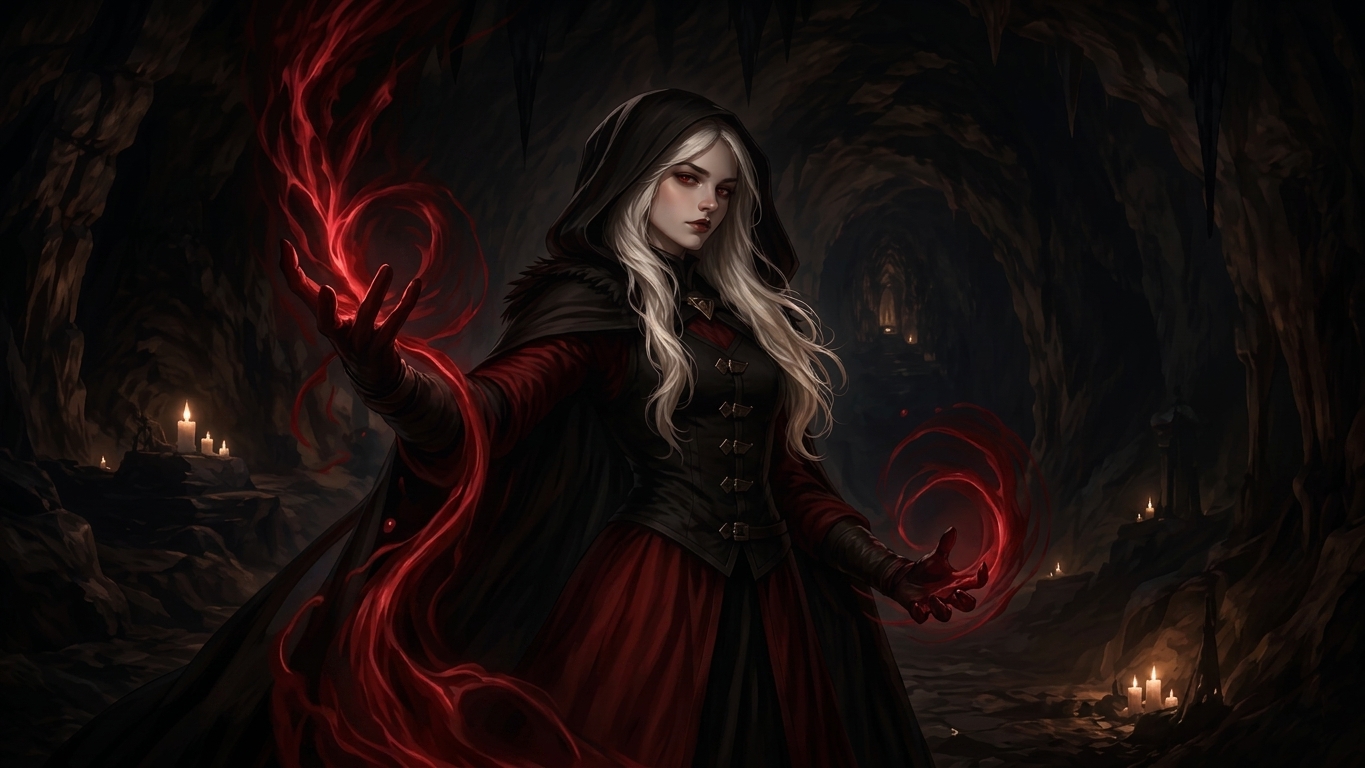
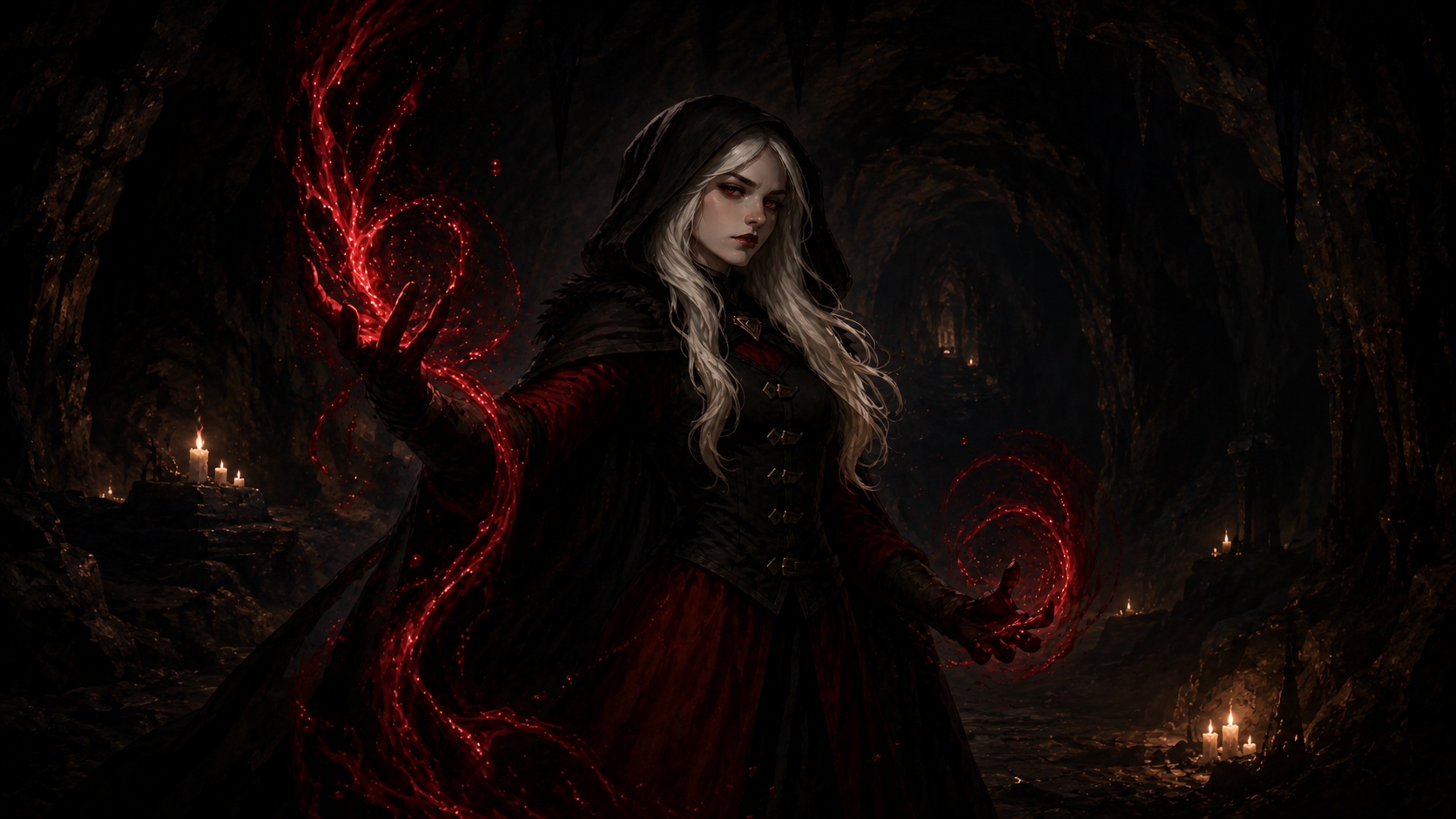
AI images can sometimes develop a subtle repeating texture, like a tiled overlay or patterned grime. It is especially visible on skies, walls, skin, fabric, and smooth backgrounds.


It can look like a repeated paper, fabric, stone, dust, or noise pattern that sits over the actual image.
Generated images can synthesize detail repeatedly across surfaces, especially in large smooth or high-texture areas.
Clean the generated texture layer while preserving the larger scene, edges, colors, and original medium.
Cleanup works best when the underlying image is already correct and the repeated texture is the main issue.
We will load it into the main denoise.pro workspace, ask you to sign in, then start the cleanup from the same image.
A repeated visual pattern or texture that appears across areas that should be smooth or naturally varied.
It can overlap. Grime is the broader dirty/noisy look; tiling texture is a repeated-pattern version of that problem.
It can reduce visible tiling artifacts, especially when the underlying image content is otherwise good.