Before / after
Processing result
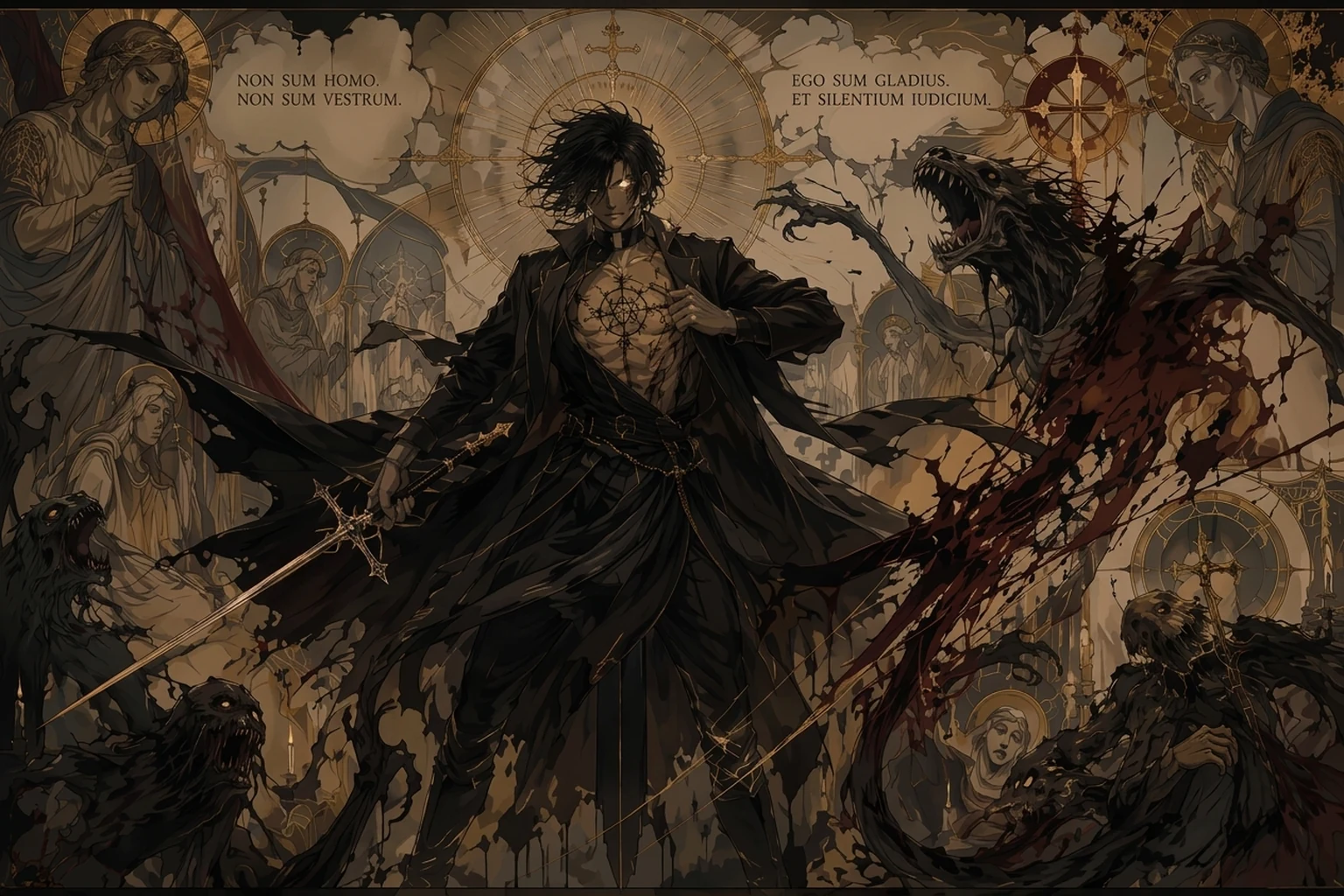
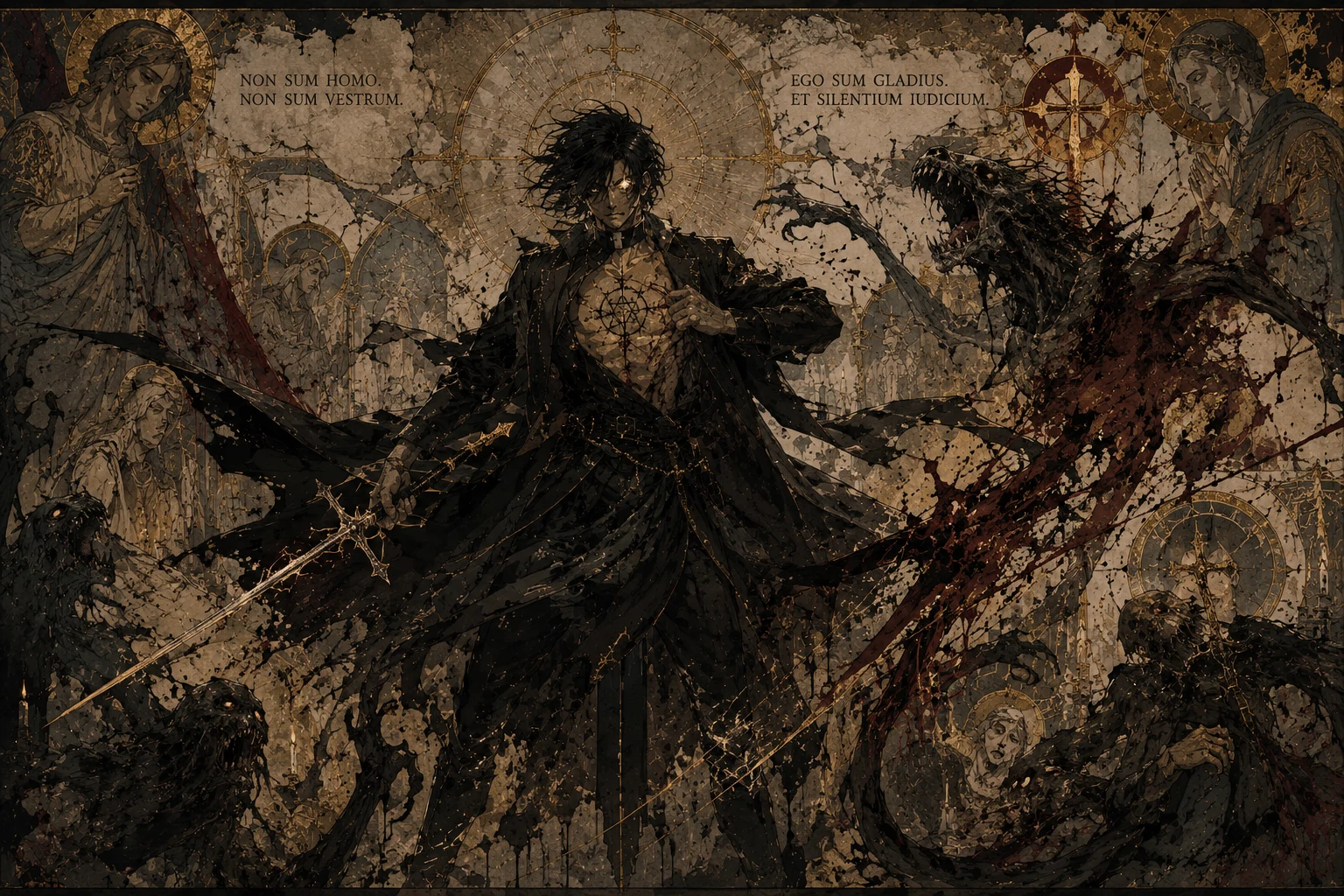
When a ChatGPT image already has the right subject, lighting, and composition, the problem is often the surface texture. Skin, fabric, walls, shadows, hair, product surfaces, and backgrounds can pick up fake micro-detail that makes the image look crunchy or overprocessed at full size. denoise.pro is for cleaning that texture layer without asking ChatGPT to redraw the image.


Crunchy skin, gritty fabric, dirty walls, speckled shadows, rough backgrounds, noisy hair, fake pores, and surfaces that look sharpened past reality.
The model is inventing pixels. If it adds too much micro-detail to smooth or photo-like areas, the result stops looking like a clean photo and starts looking like a textured render.
Regenerate if the subject, pose, product, or composition is wrong. Clean up if the image is right but the surface detail looks fake, dirty, or too intense.
Avoid ultra detailed, gritty, maximum texture, cinematic grain, hyperreal skin texture, extreme sharpness, and similar phrases when you need clean photo-like output.
We will load it into the main denoise.pro workspace, ask you to sign in, then start the cleanup from the same image.
It overlaps. Over-detailing is the crunchy fake micro-detail; grime is the dirty or speckled texture layer that often comes with it.
Regenerate if the image content is wrong. Clean this version if the image is already the one you want and only the surface texture looks bad.
The goal is to preserve the subject, crop, color, and composition while reducing the fake generated texture that makes the image look overprocessed.