Before / after
Processing result
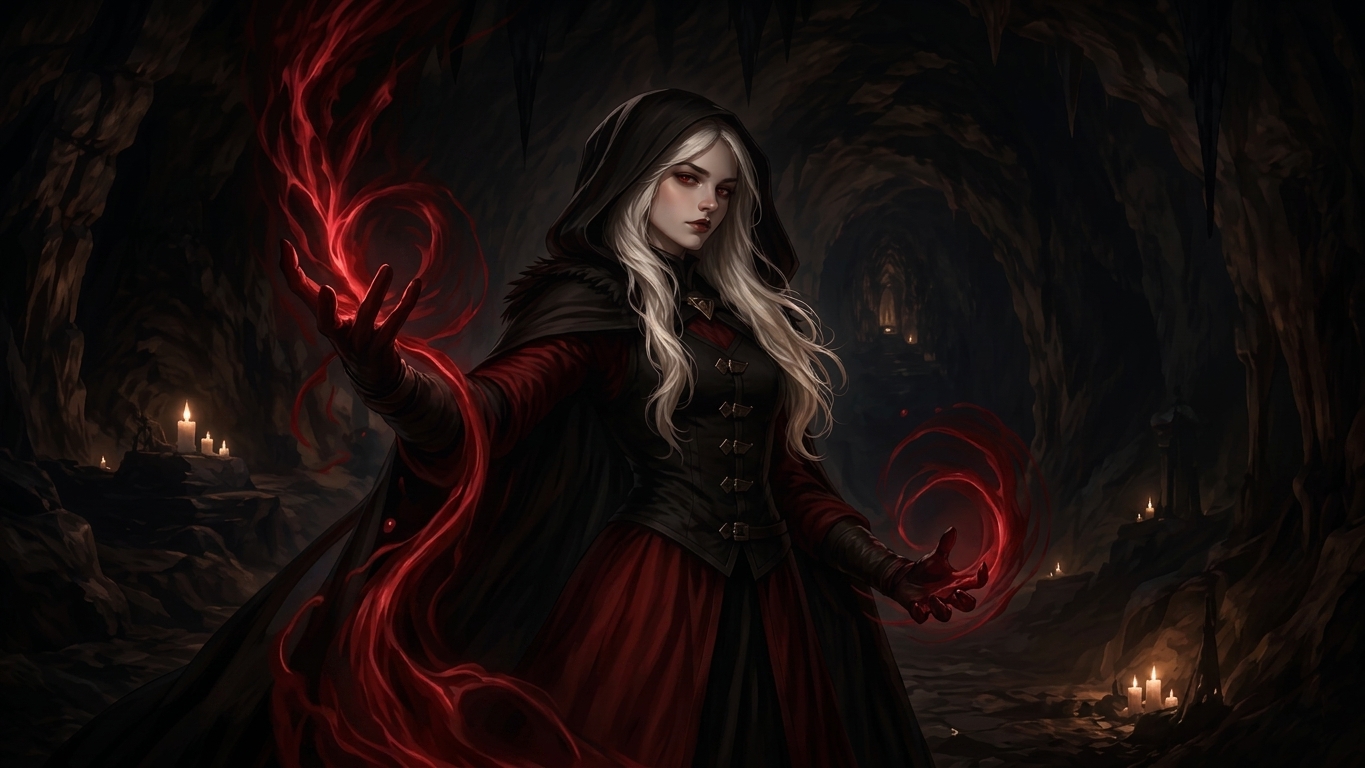
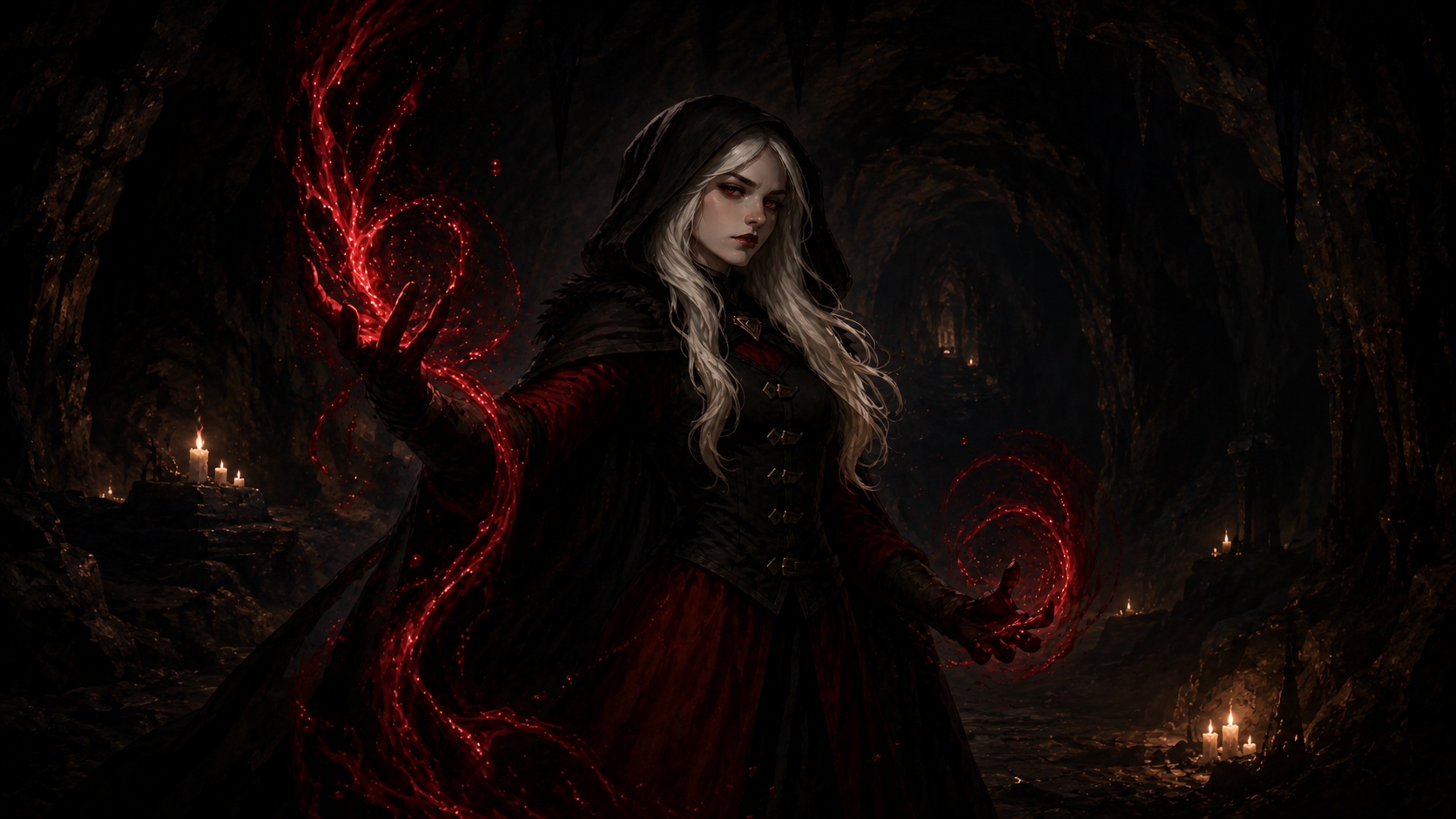
ChatGPT image grime is the dirty layer that makes an otherwise good generated image look rough. The scene may be right, but the surface has muddy speckles, fake paper texture, dark flecks, and rough shadows.
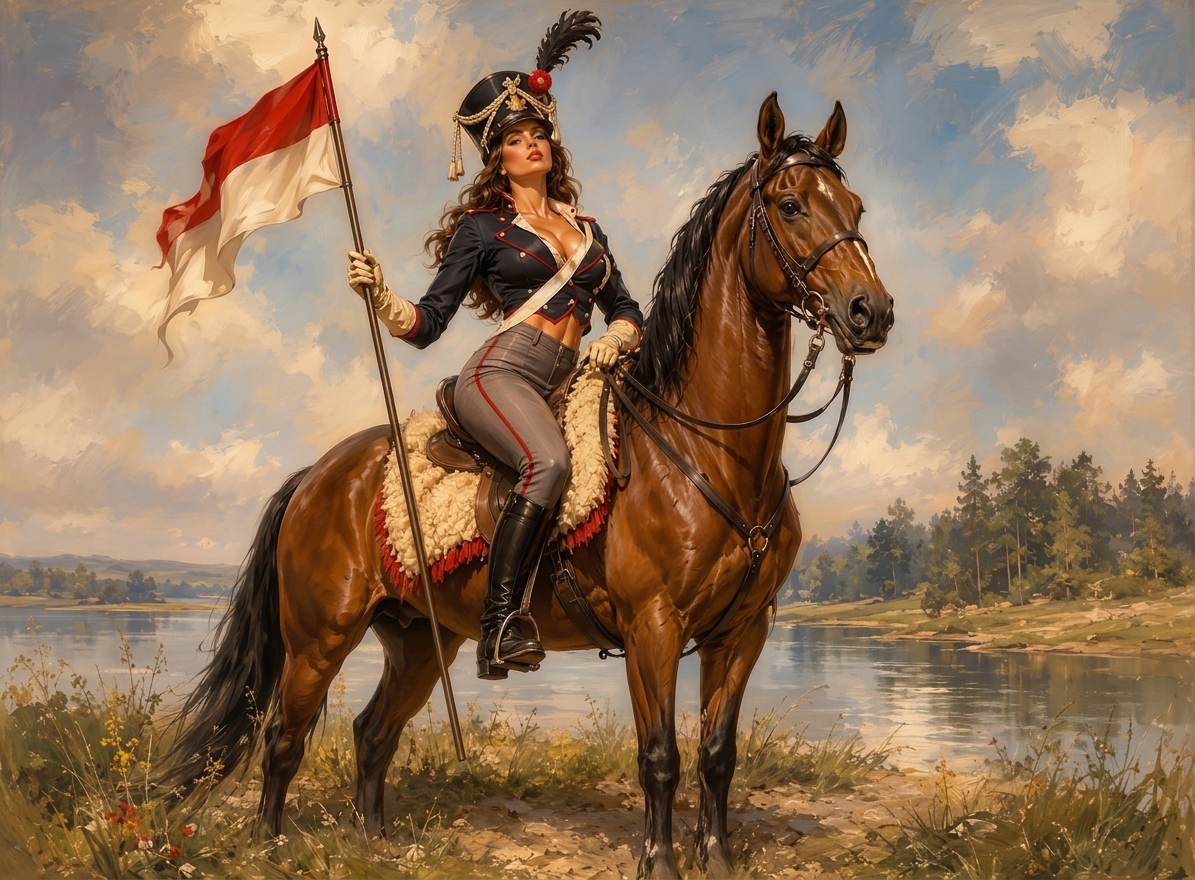
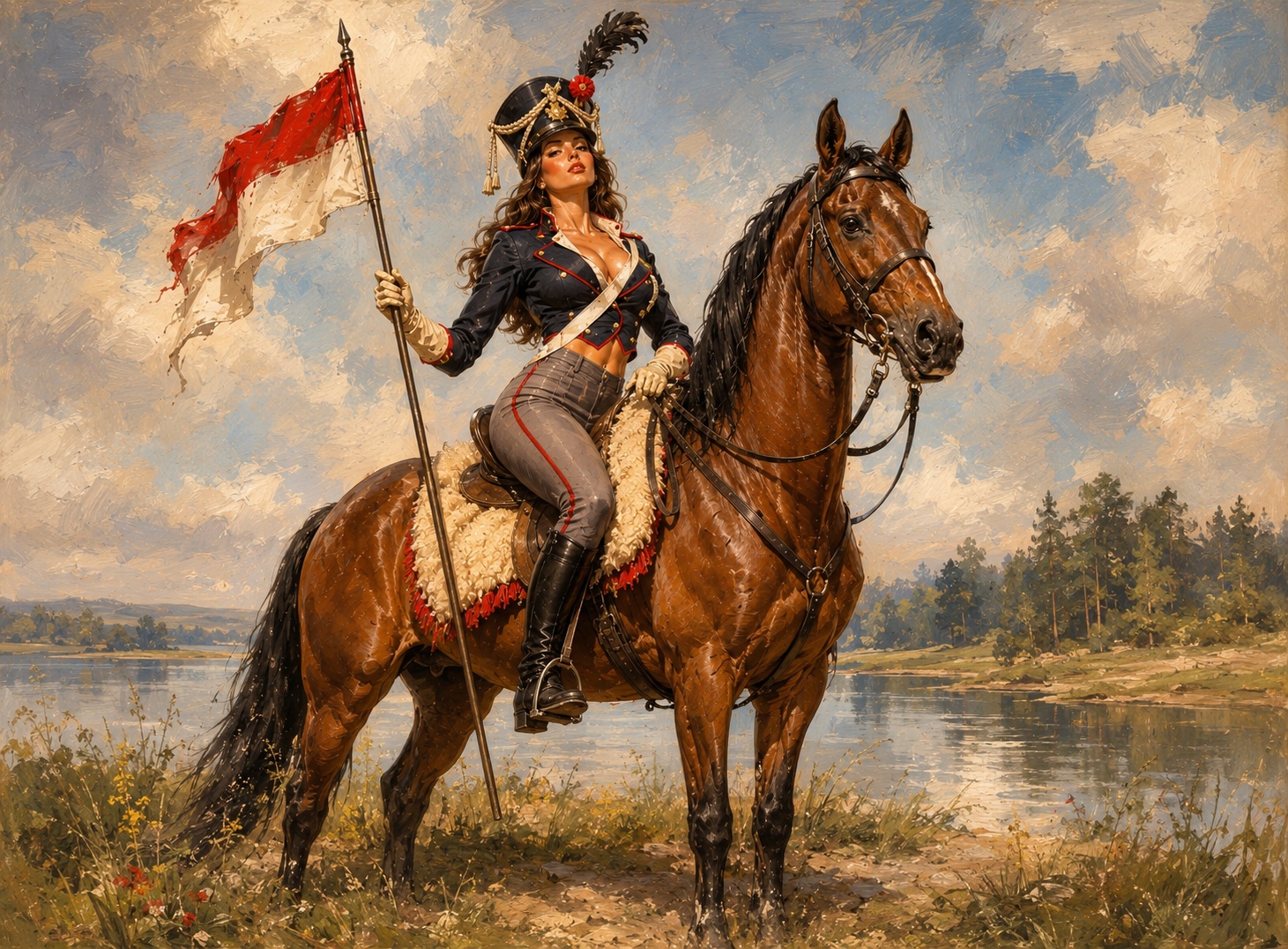
Grime usually shows up on walls, skies, floors, fabric, skin, product packaging, glass, shadows, and backgrounds.
Asking ChatGPT to fix the image can create a new image. The grime may change, but faces, pose, product shape, or text can also shift.
If you upscale a dirty image, the dirty texture often becomes sharper and harder to ignore.
Pick the best generation first, then remove the grime from that image instead of asking for another version.
We will load it into the main denoise.pro workspace, ask you to sign in, then start the cleanup from the same image.
A dirty-looking texture layer made of speckles, muddy surface detail, false grain, and repeated generated marks.
Yes for small areas, but whole-image grime is slow to fix by hand.
The goal is to preserve the original style while reducing the artifact layer.