Before / after
Processing result
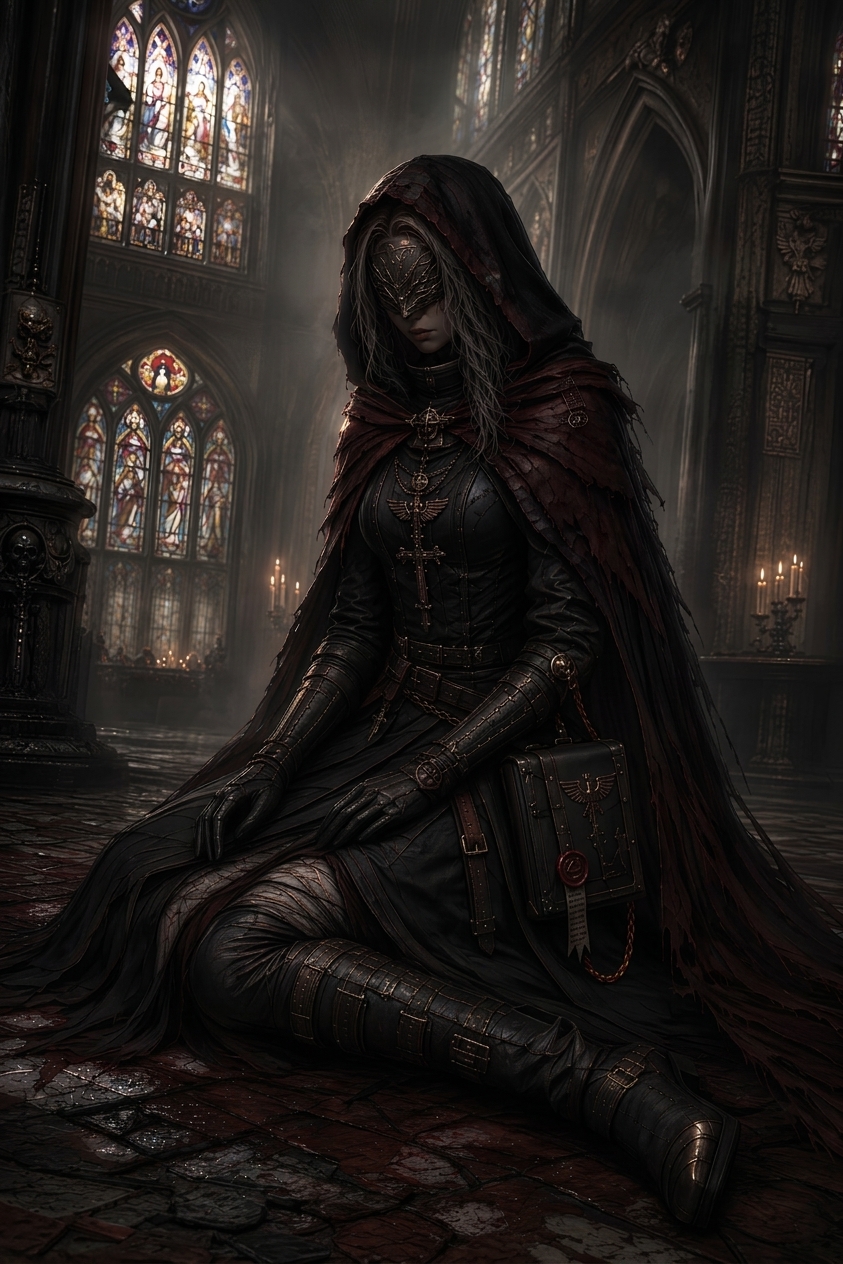
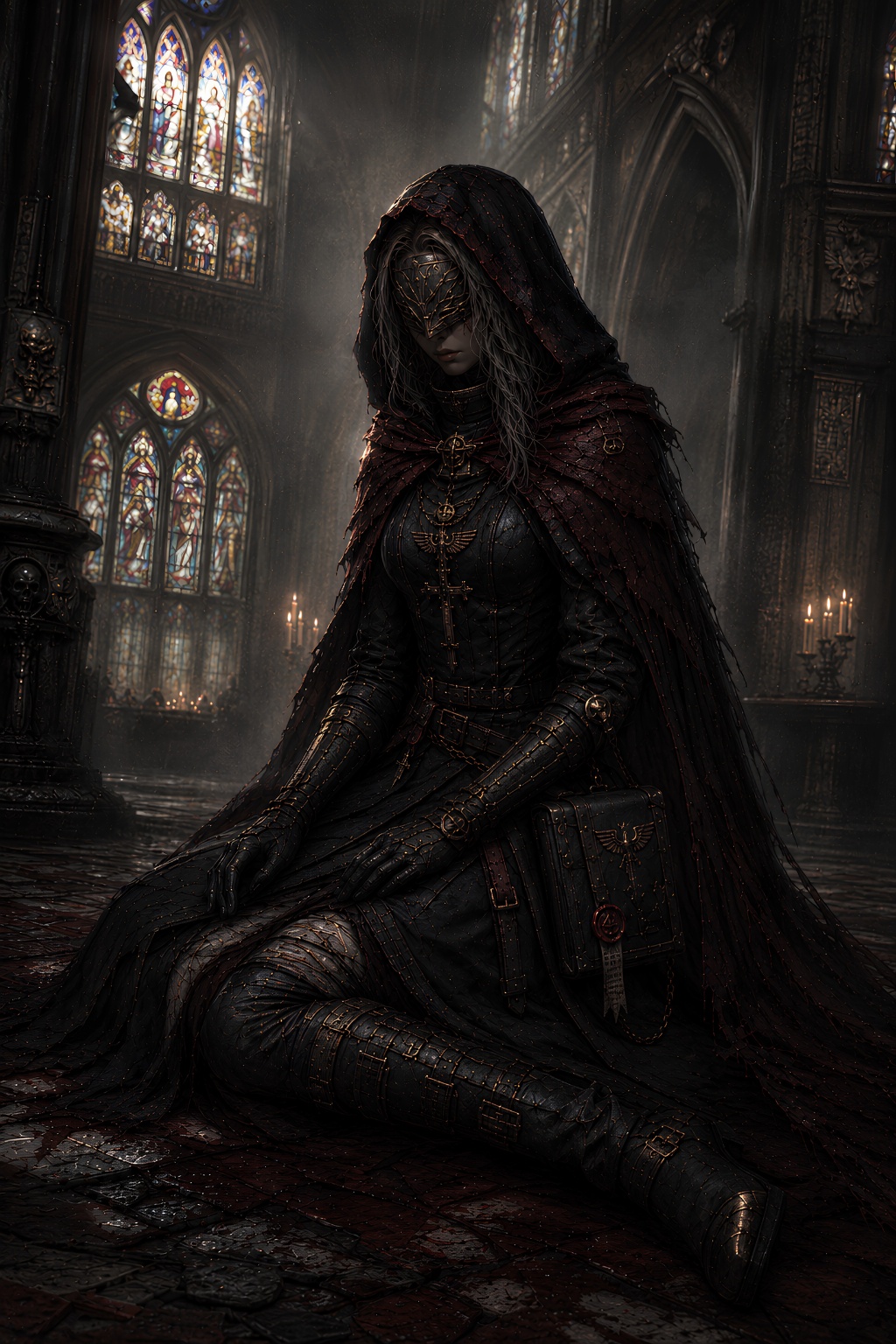
AI-generated images often have tiny dots, repeated texture, over-sharpened detail, and surfaces that look dirty even when the scene should be clean. The image is not necessarily bad. It needs the fake texture removed.
Zoom to 100 percent and inspect dark areas, flat color, skin, clouds, walls, foliage, fabric, glowing effects, and smooth backgrounds.
Tiling texture looks like the same rough pattern stamped across areas that should be naturally varied or smooth.
Avoid ultra detailed, gritty, maximum texture, cinematic grain, intricate, hyperreal, and 8K if those words are causing noisy surfaces.
Use artifact cleanup when speckles and weird texture are spread across the whole image and manual masking would take too long.
We will load it into the main denoise.pro workspace, ask you to sign in, then start the cleanup from the same image.
Not always. AI speckles are often synthesized marks that do not belong to the scene.
Results vary, but it targets the visible speckle and texture layer.
Use an image where the composition is good but the texture looks dirty, dotted, or tiled.