Before / after
Processing result
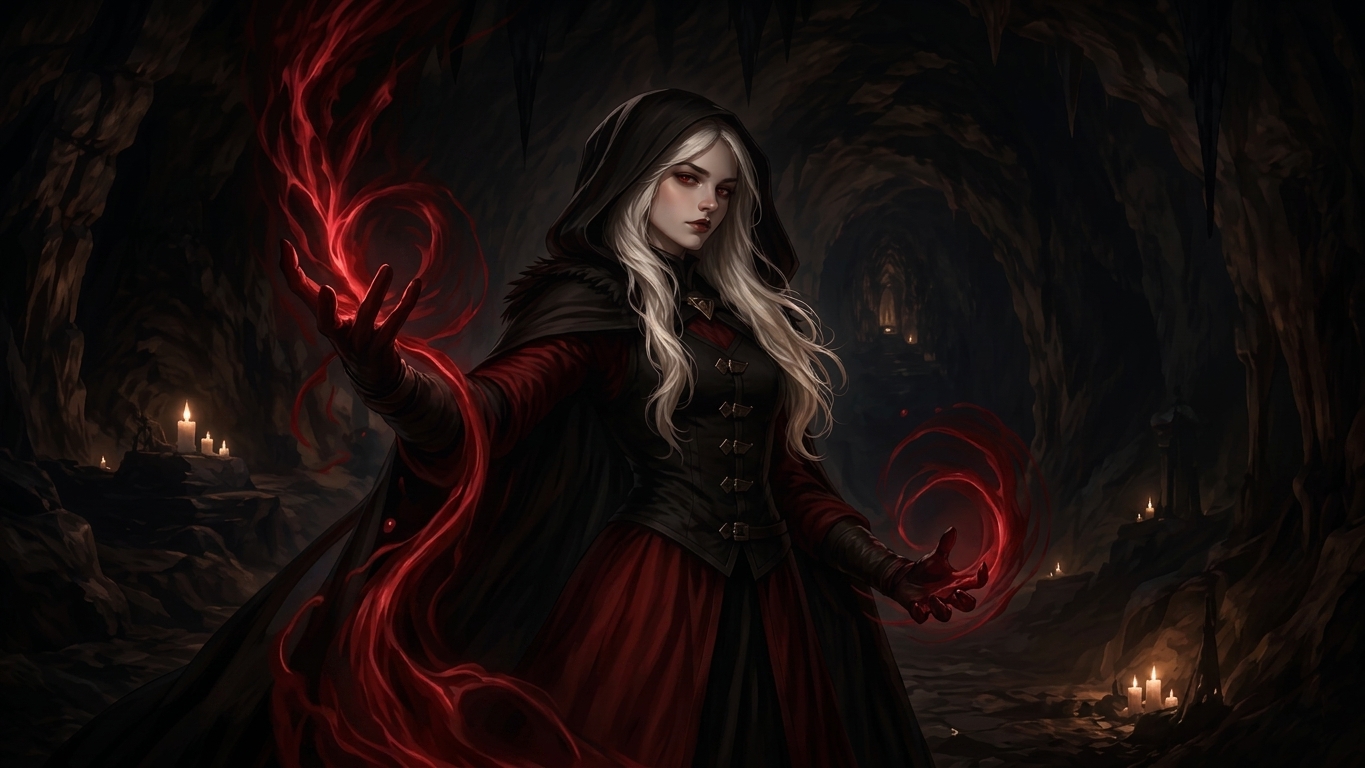
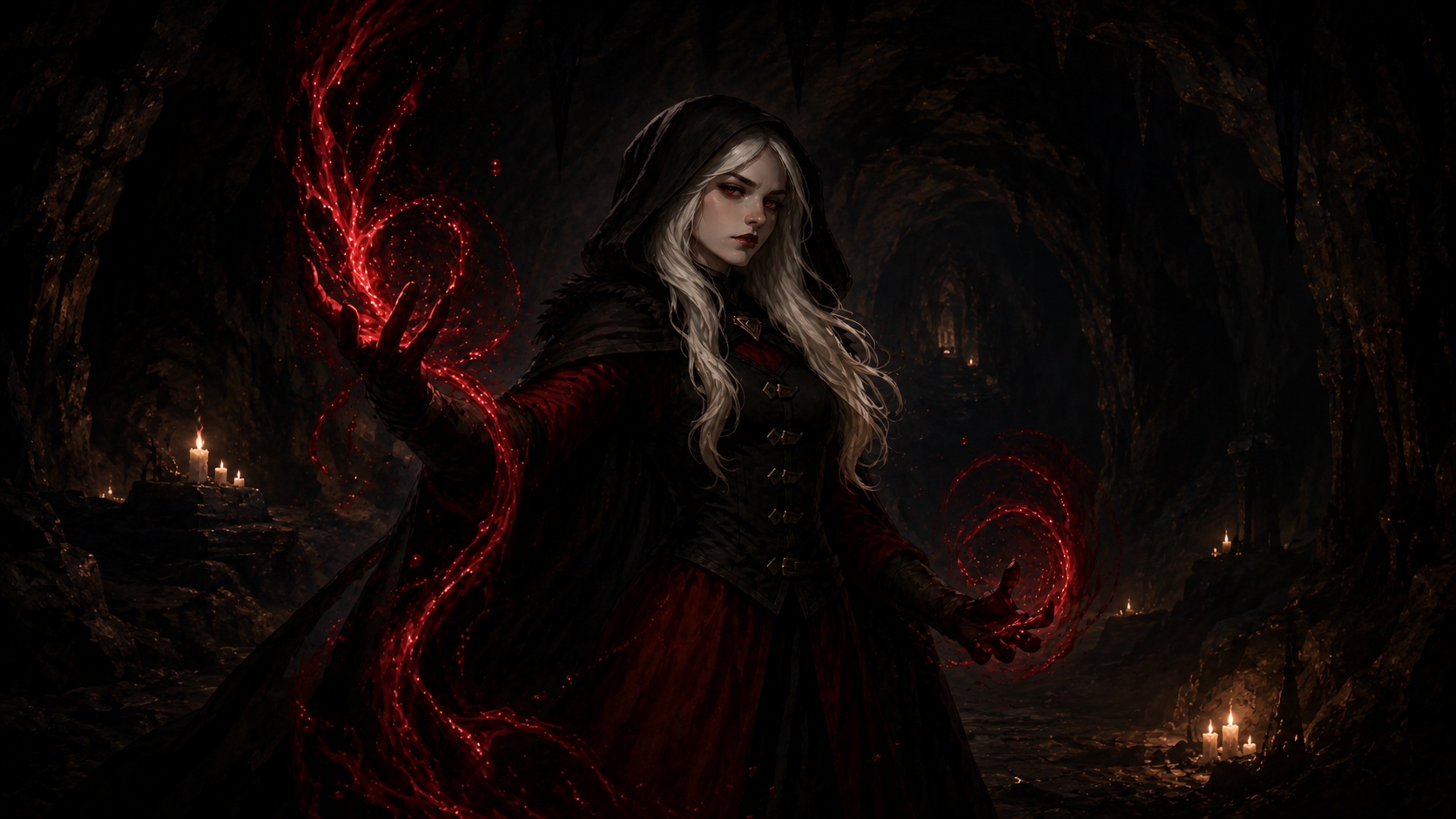
ChatGPT images can look great in the preview and then fall apart at full size. The composition may be right, but the image has speckles, grime, repeated texture, crunchy shadows, and fake surface detail that make it look unfinished.
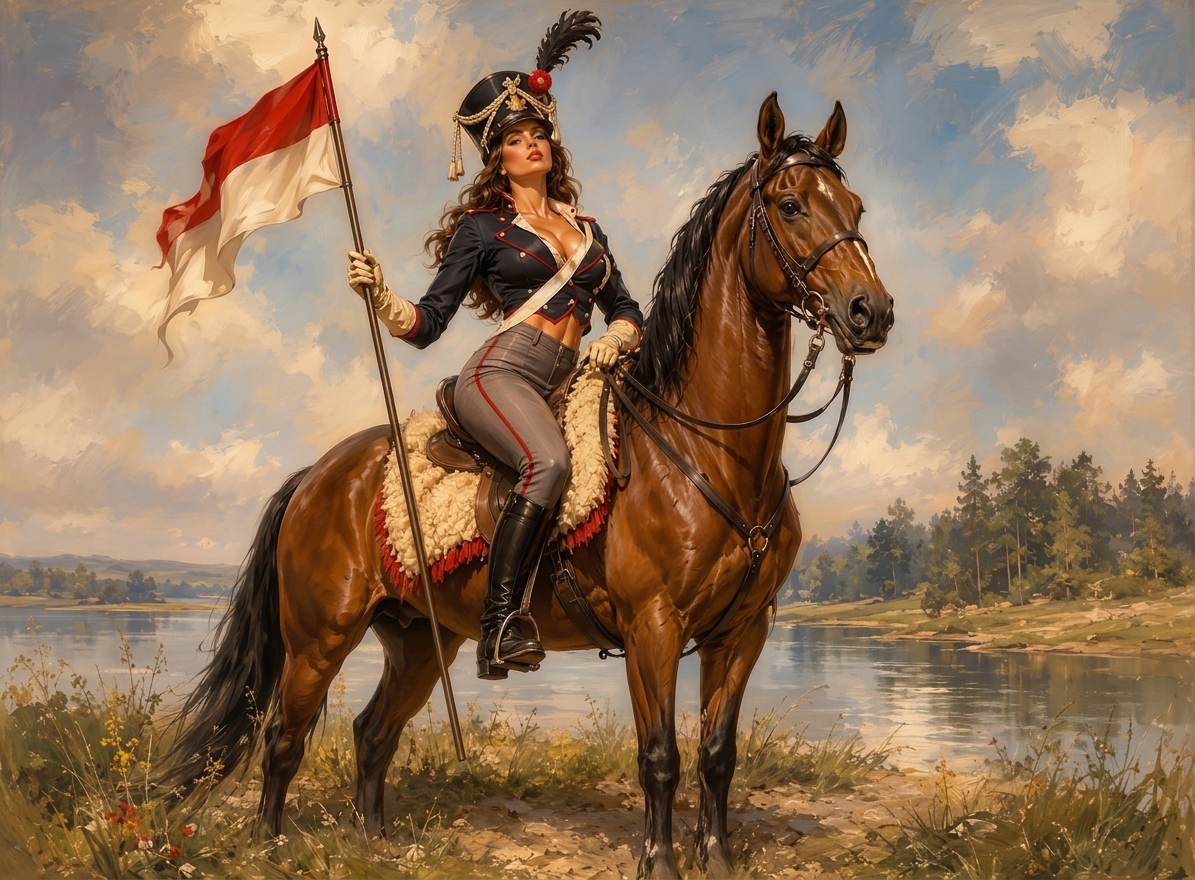
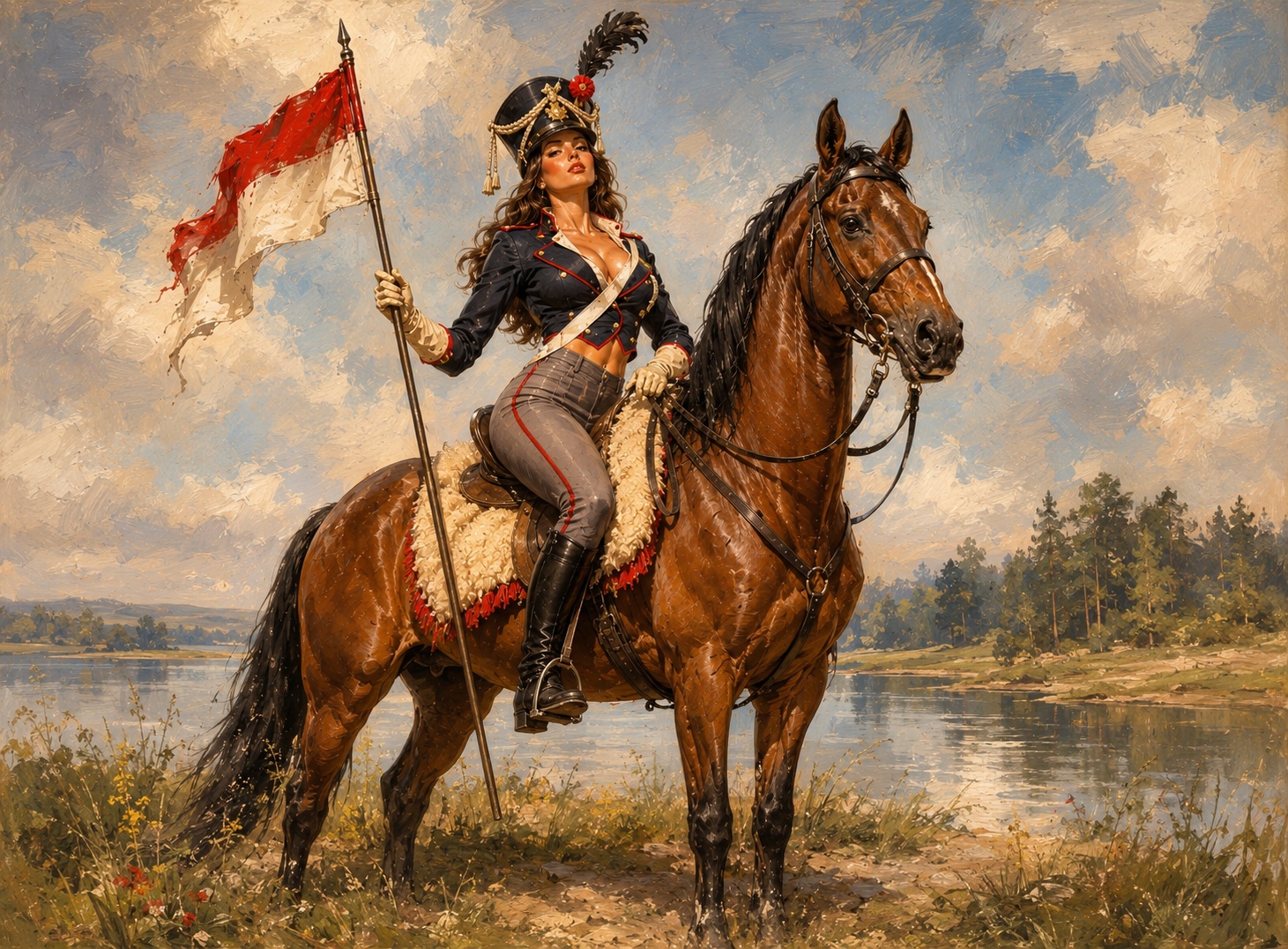
Newer generated images often get the big picture right while adding too much synthesized surface detail. The image is not always bad; the surface texture is polluted.
Look for dirty walls, speckled skies, gritty skin, tiled foliage, rough shadows, crunchy fabric, and fake detail in smooth areas.
Inspect the image at 100 percent, regenerate once with cleaner prompt language if needed, then clean the final image instead of repeatedly redrawing it.
Use denoise.pro when the image content is right but the texture layer is wrong. It targets visible AI grime while trying to preserve composition and style.
We will load it into the main denoise.pro workspace, ask you to sign in, then start the cleanup from the same image.
Regenerate when the content is wrong. Clean when the composition is good but the image has grime, speckles, tiling, or crunchy texture.
No. Clean the artifacts first, then upscale if you need a larger image.
The goal is to preserve the original image and remove the unwanted generated texture layer.