Before / after
Processing result
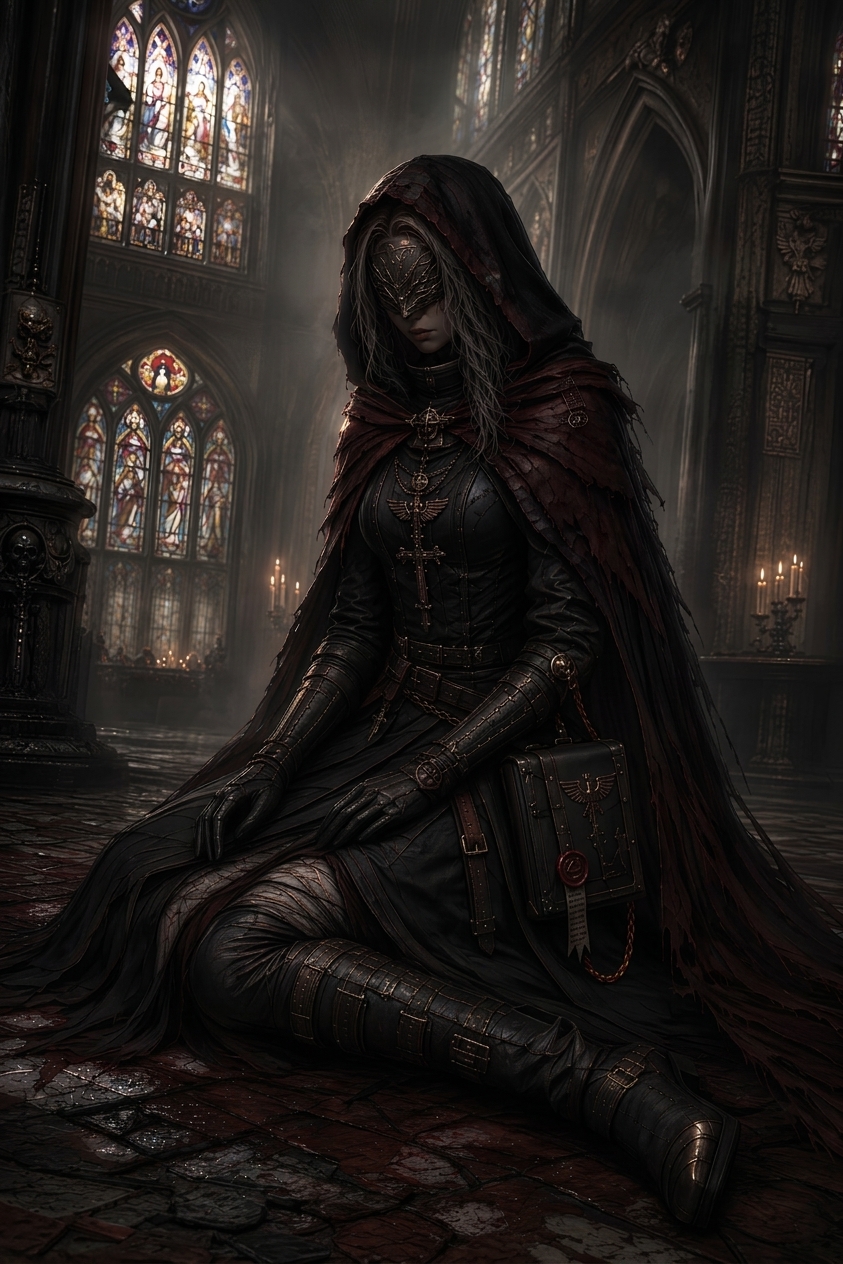
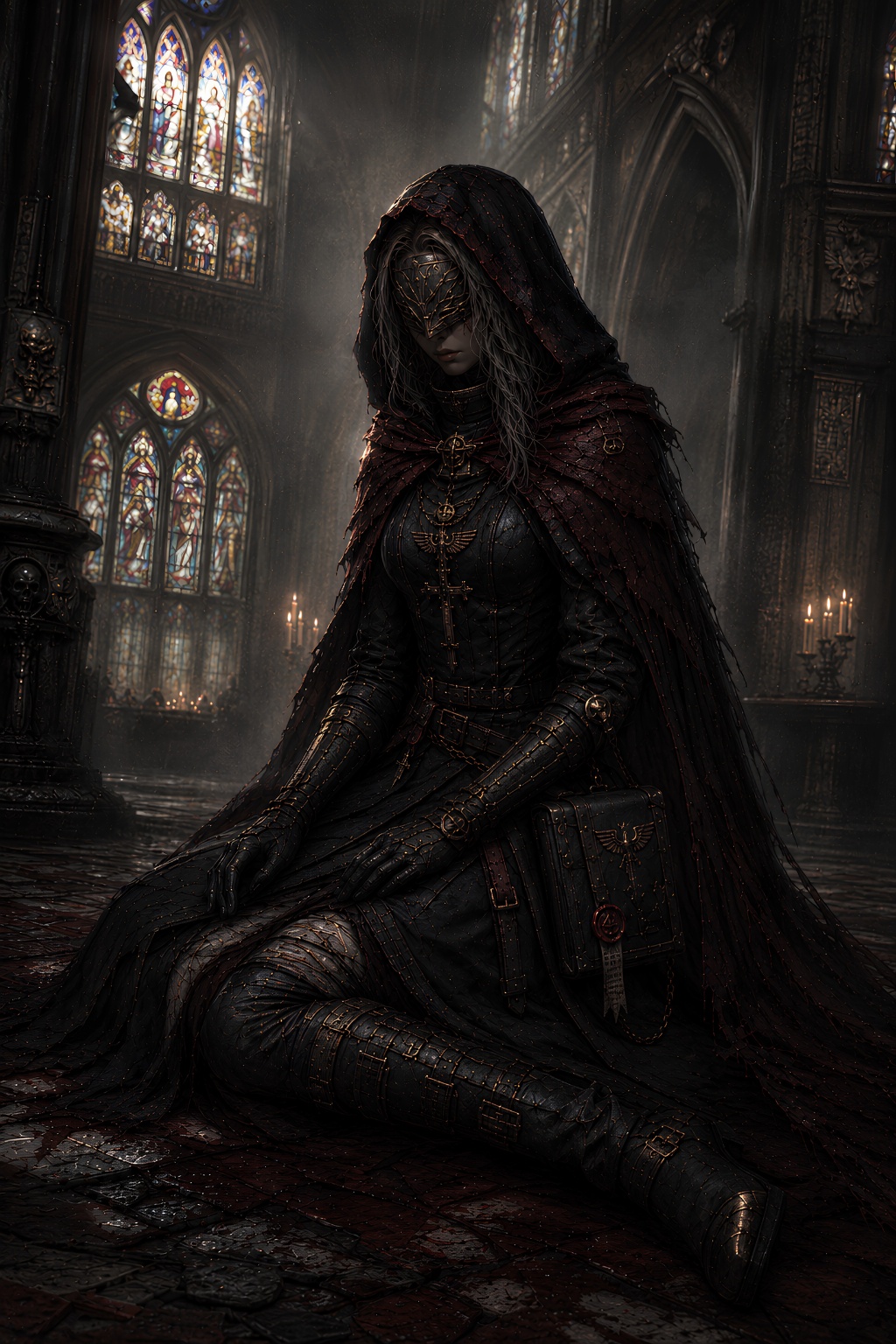
AI-generated images often look sharp at first glance but break down in the details: gritty skin, tiled backgrounds, fake texture, noisy shadows, white dots, and overcooked surfaces.
denoise.pro focuses on speckles, false grain, grime, crunchy detail, tiling texture, muddy surfaces, and compression-like generated noise.
Use it with exports from ChatGPT, GPT Image 2, DALL-E, Midjourney, Flux, Stable Diffusion, and other AI image tools.
AI artifacts are synthesized visual mistakes. JPEG artifacts come from compression. They can overlap, but they are not always the same problem.
Clean social posts, ecommerce visuals, thumbnails, illustrations, mockups, AI art, portfolio images, and client work.
We will load it into the main denoise.pro workspace, ask you to sign in, then start the cleanup from the same image.
ChatGPT, GPT Image 2, DALL-E, Midjourney, Flux, Stable Diffusion, and other generated-image exports.
Speckles, false grain, grime, crunchy detail, tiling texture, muddy surfaces, and compression-like noise.
For generated-image grime, denoise.pro is purpose-built around AI artifact cleanup rather than only camera noise.