Before / after
Processing result
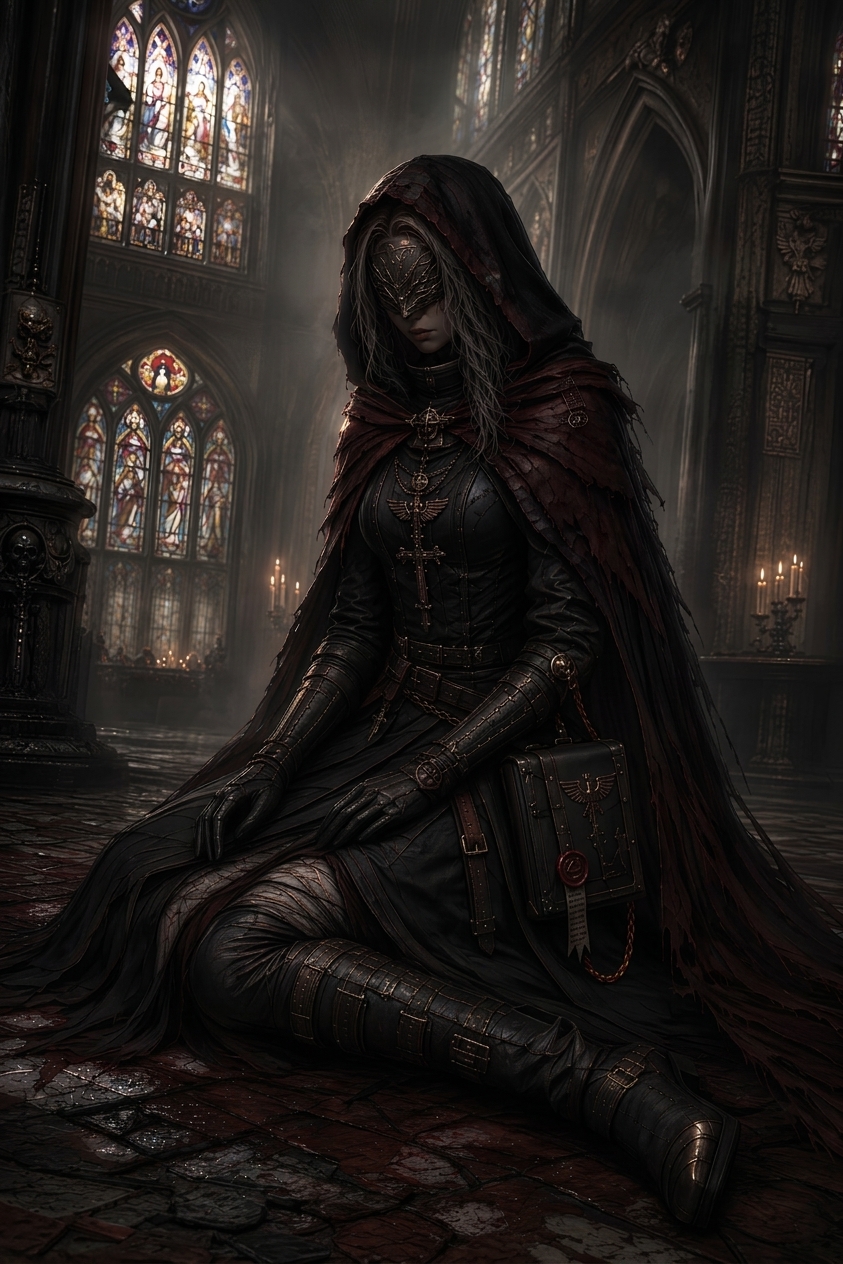
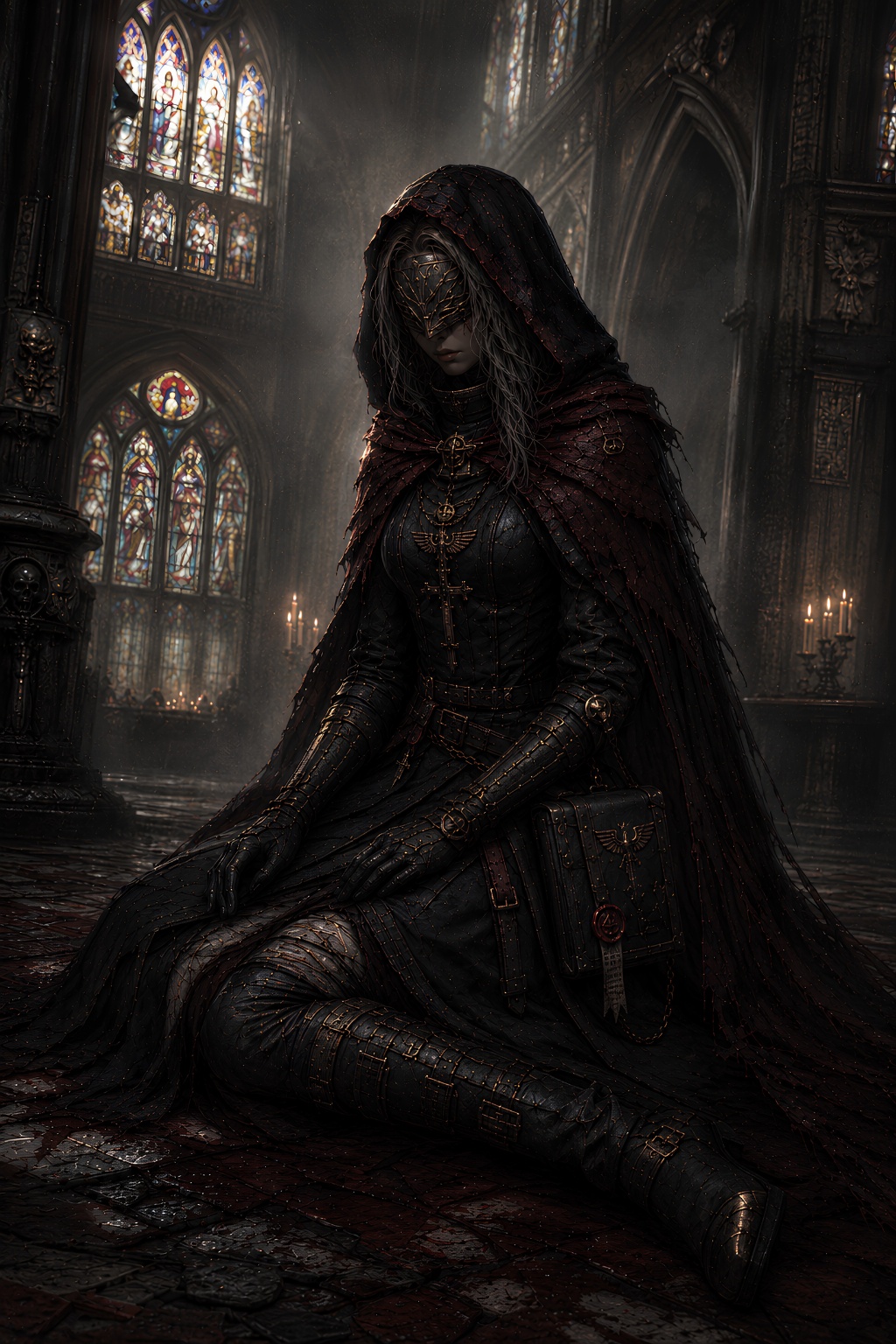
If your ChatGPT images look dirty, crunchy, speckled, or weird at full size, you are probably seeing generated texture artifacts. The image may be usable, but the surface layer looks wrong.
The model tries to make surfaces feel rich and detailed. On clean areas like skies, walls, skin, fabric, and shadows, that can turn into fake marks and grime.
Open the image at full size and inspect flat areas, backgrounds, skin, clothing, product surfaces, walls, floors, and soft shadows.
Avoid asking for maximum detail, gritty texture, cinematic grain, hyperreal surfaces, or heavy micro-detail when you need a clean result.
If the composition is already right, clean the artifact layer instead of asking ChatGPT for another version that may change the subject.
We will load it into the main denoise.pro workspace, ask you to sign in, then start the cleanup from the same image.
Sometimes compression contributes, but ChatGPT image grime is usually synthesized texture rather than only JPEG damage.
Preview sizes hide tiny speckles and repeated texture. The problem becomes obvious at full resolution.
Yes, it is built for images that are good overall but dirty or over-textured up close.